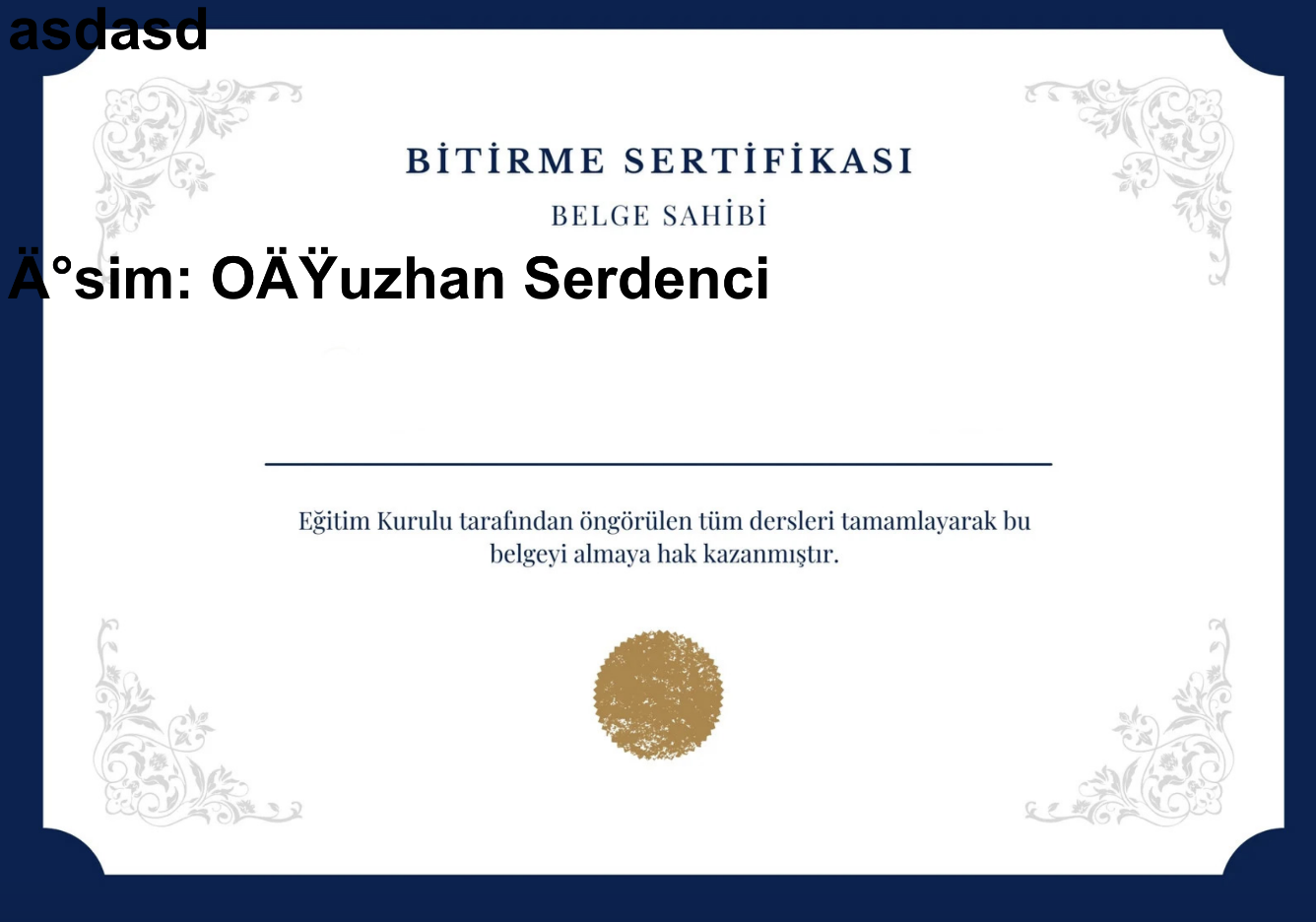
Bu localde ki ilk denememde çözdüğüm çalışan FPDF Kodları
<?php
require('fpdf/fpdf.php');

include("fpdf/makefont/makefont.php");


if ($_SERVER['REQUEST_METHOD'] === 'POST') {
    // Formdan gelen verileri alın
    $ad = isset($_POST['ad']) ? $_POST['ad'] : '';
    $soyad = isset($_POST['soyad']) ? $_POST['soyad'] : '';
    $eposta = isset($_POST['eposta']) ? $_POST['eposta'] : '';

    // PDF oluşturun

    $pdf = new FPDF('L', 'mm', array(1600, 1131)); // 1600x1131 boyutunda yatay bir PDF
    $pdf->AddPage();
    $pdf->AliasNbPages();
    $pdf->AddFont('arial','','arial.php');
    $pdf->SetFont('Arial', '', 200);

    // Arka plan resmini ekleyin
    $pdf->Image('fpdf/sertifika.jpg', 0, 0, 1600, 1131);

    // Formdan gelen verileri PDF'e otomatik olarak ekleyin
    $pdf->SetXY(400, 530); // Metni özelleştirmek için pozisyonu ayarlayın
    $pdf->Cell(0, 0, iconv('UTF-8', 'ISO-8859-9', 'Sn. ' .$ad . ' ' . $soyad), 0, 'C');

    // PDF dosyasını kaydedin veya gönderin
    $pdf->Output('sertifika.pdf', 'D');
    exit();
}
?>
Buda wordpress üzerinde türkçe karakter sorununun çözülmediği kodlar,
$pdf->AddFont('Arial', '', 'Arial.php');
sadece bu satırı bile ekleyince çalışmıyor
function create_pdf_from_post_content($post_id) {
    $post_content = get_post_field('post_content', $post_id); // Yazı içeriğini al
    $sehir = get_post_meta(get_the_ID(), 'sehir', true);
    $ulke = get_post_meta(get_the_ID(), 'ulke', true);
    $yas = get_post_meta(get_the_ID(), 'yas', true);
    $eposta = get_post_meta(get_the_ID(), 'eposta', true);
    $isim = get_the_title($post_id);
    // PDF kütüphanesinin yolunu ayarlayın
    $fpdf_path = get_template_directory() . '/assets/lib/fpdf/fpdf.php';


    // PDF kütüphanesini dahil et
    require($fpdf_path);

    $pdf = new FPDF('L', 'mm', array(1600, 1131)); // 1600x1131 boyutunda yatay bir PDF
    $pdf->AddPage();

    $pdf->SetFont('Arial', 'B', 200);
    $pdf->Image(get_template_directory() . '/assets/lib/fpdf/sertifika.jpg', 0, 0, 1600, 1131);
    $pdf->Cell(100, 100, iconv('UTF-8', 'ISO-8859-9', $post_content), 0, 1);
    $pdf->Cell(500, 500, 'İsim: ' . iconv('UTF-8', 'ISO-8859-9', $isim), 0, 1);
    // PDF dosyasını kaydetmek için bir yol belirleyin (örneğin, temanızın klasörü içinde)
    $pdf_file_path = get_template_directory() . '/yazi.pdf';

    $pdf->Output($pdf_file_path, 'F'); // PDF dosyasını kaydet

    return $pdf_file_path;
}