
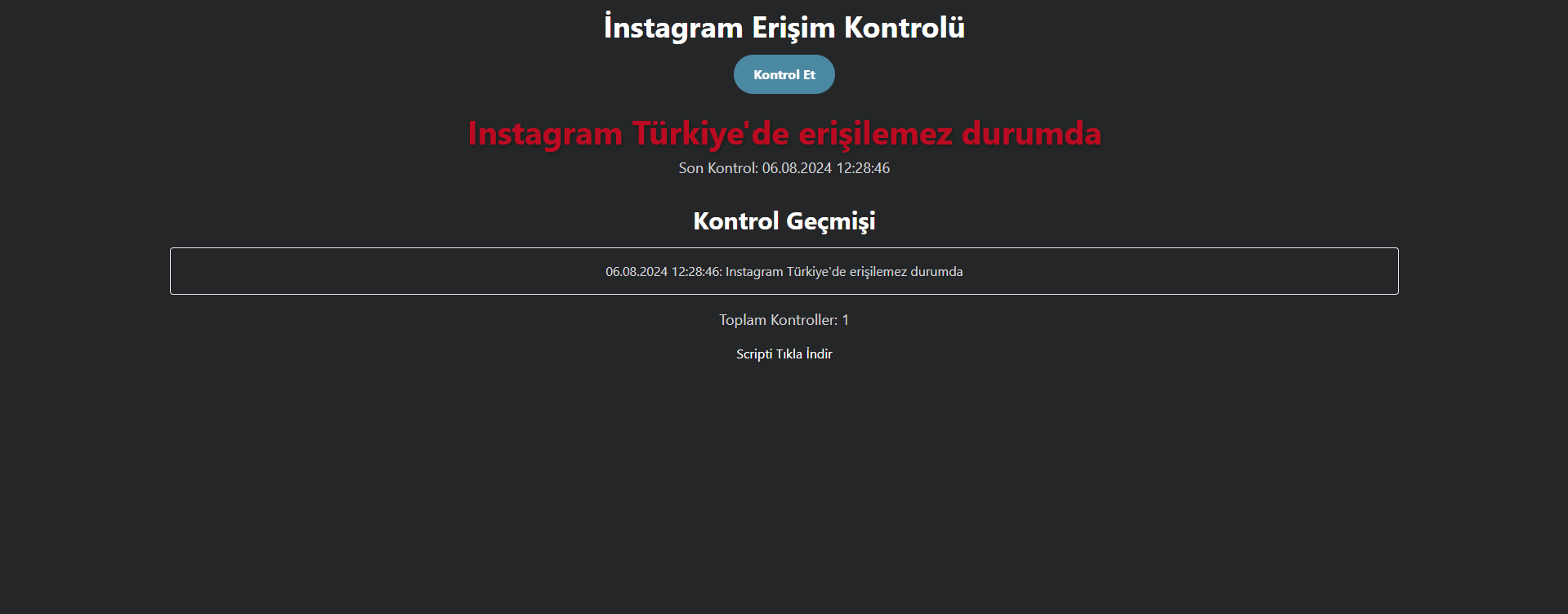
Scripti Tıkla İndir kısmından indirebilirsiniz.
3
●478
<!DOCTYPE html>
<html lang="en">
<head>
    <meta charset="UTF-8">
    <meta name="viewport" content="width=device-width, initial-scale=1.0">
    <title>Instagram Erişim Kontrolü</title>
    <link href="https://fonts.googleapis.com/css2?family=Roboto:wght@400;700&display=swap" rel="stylesheet">
    <style>
        body {
            font-family: 'Roboto', sans-serif;
            background-color: #f0f2f5;
            display: flex;
            justify-content: center;
            align-items: center;
            height: 100vh;
            margin: 0;
        }
        .container {
            background: #fff;
            padding: 2rem;
            border-radius: 8px;
            box-shadow: 0 4px 6px rgba(0, 0, 0, 0.1);
            text-align: center;
        }
        h1 {
            color: #333;
        }
        button {
            background-color: #007bff;
            color: white;
            border: none;
            padding: 0.75rem 1.5rem;
            border-radius: 4px;
            font-size: 1rem;
            cursor: pointer;
            transition: background-color 0.3s;
        }
        button:hover {
            background-color: #0056b3;
        }
        .status {
            margin-top: 1rem;
            font-size: 1.25rem;
            color: #333;
        }
    </style>
</head>
<body>
    <div class="container">
        <h1>Instagram Erişim Kontrolü</h1>
        <button onclick="checkAccess()">Kontrol Et</button>
        <p id="status" class="status"></p>
    </div>

    <script>
        function checkAccess() {
            fetch('https://www.instagram.com')
                .then(response => {
                    if (response.ok) {
                        document.getElementById('status').textContent = 'Erişim Var';
                    } else {
                        document.getElementById('status').textContent = 'Erişim Yok';
                    }
                })
                .catch(error => {
                    document.getElementById('status').textContent = 'Erişim Yok';
                });
        }
    </script>
</body>
</html> 