Merhabalar,
Surekli kullanabilecegim bir bot yazdirmak istiyorum. bu botu yazdirdiktan sonra baska bot isleri daha verilecektir. bot tamamlanmadan odeme yapilmayacaktir, buna gore lutfen iletisime geciniz. 9 yillik uyeyim, bugune kadar musteri olarak sayisiz odeme yaptim.
is detaylari burdadir; https://docs.google.com/document/d/1...7FhHbtWX2/edit
fiyat ve sure bilgisi alabilirim.
Linkedin Job Search`ten 5-10 bin civarinda data cekilecek (gunluk olarak)
5
●286
- 10-05-2023, 19:39:49Buyrun Hocam
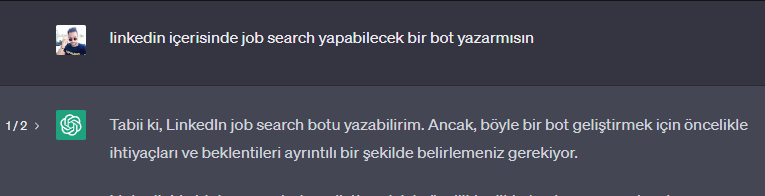
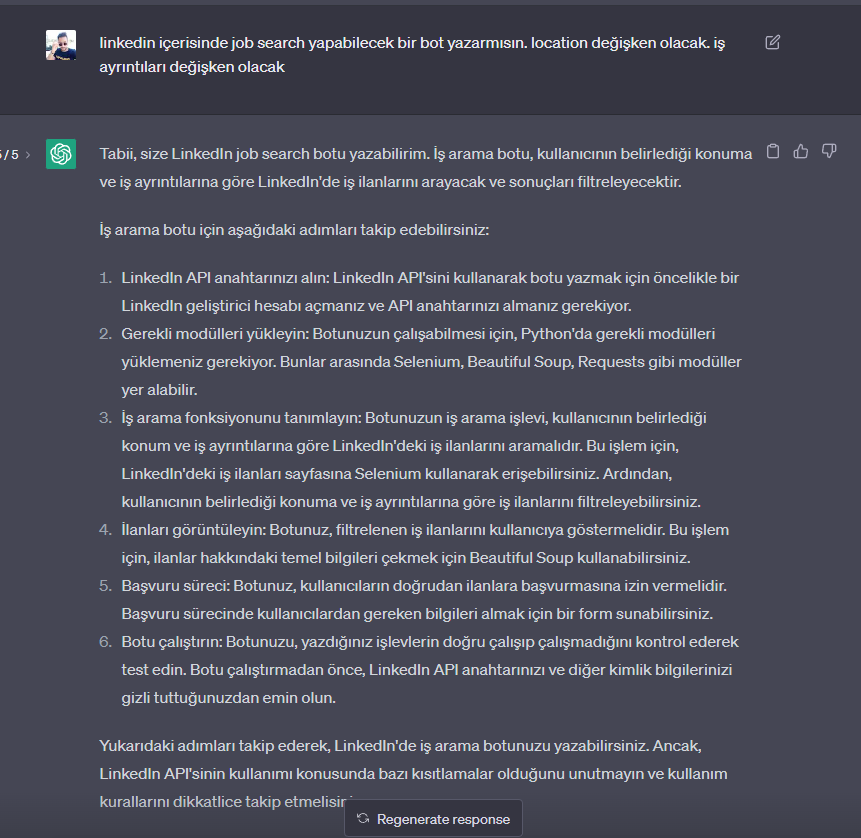
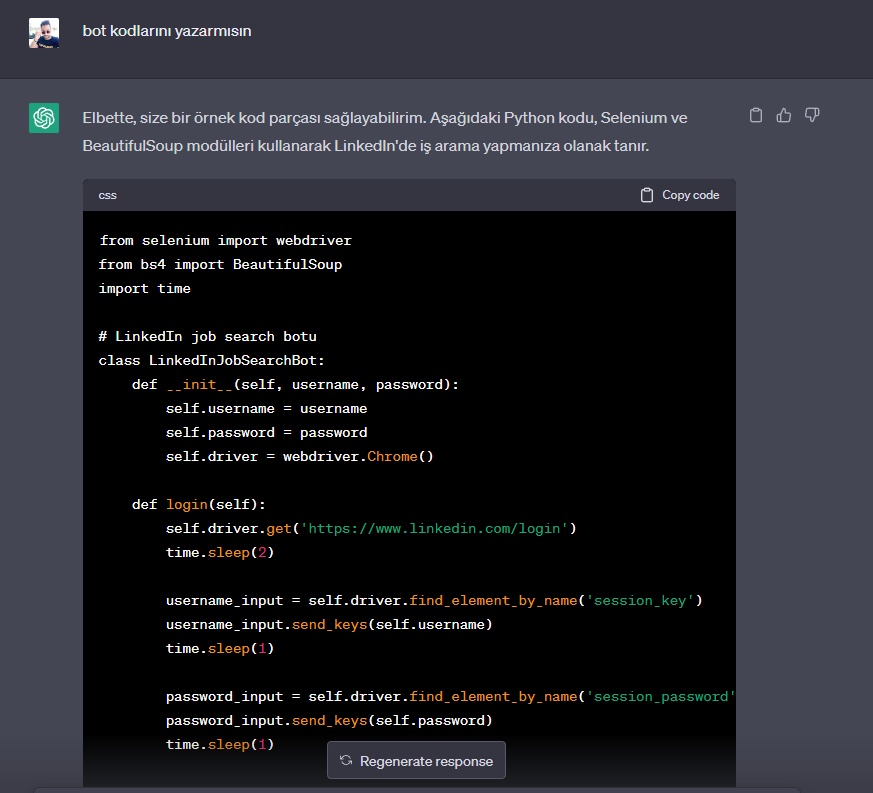
Aşağıdaki Python kodu, Selenium ve BeautifulSoup modülleri kullanarak LinkedIn'de iş arama yapmanıza olanak tanır.
from selenium import webdriver
from bs4 import BeautifulSoup
import time

# LinkedIn job search botu
class LinkedInJobSearchBot:
    def __init__(self, username, password):
        self.username = username
        self.password = password
        self.driver = webdriver.Chrome()

    def login(self):
        self.driver.get('https://www.linkedin.com/login')
        time.sleep(2)

        username_input = self.driver.find_element_by_name('session_key')
        username_input.send_keys(self.username)
        time.sleep(1)

        password_input = self.driver.find_element_by_name('session_password')
        password_input.send_keys(self.password)
        time.sleep(1)

        login_button = self.driver.find_element_by_class_name('sign-in-form__submit-button')
        login_button.click()
        time.sleep(2)

    def search_jobs(self, keywords, location):
        self.driver.get(f'https://www.linkedin.com/jobs/search/?keywords={keywords}&location={location}')
        time.sleep(2)

        soup = BeautifulSoup(self.driver.page_source, 'html.parser')
        jobs = soup.find_all('li', {'class': 'job-result-card'})

        for job in jobs:
            title = job.find('h3', {'class': 'job-result-card__title'}).text.strip()
            company = job.find('a', {'class': 'job-result-card__subtitle-link'}).text.strip()
            location = job.find('span', {'class': 'job-result-card__location'}).text.strip()
            link = job.find('a', {'class': 'job-result-card__link'})['href']
            print(f'Title: {title}\nCompany: {company}\nLocation: {location}\nLink: {link}\n')

    def apply_job(self, job_link):
        self.driver.get(job_link)
        time.sleep(2)

        apply_button = self.driver.find_element_by_class_name('apply-button')
        apply_button.click()
        time.sleep(2)

        easy_apply_button = self.driver.find_element_by_xpath('//button[@data-control-name="jobdetails_topcard_inapply"]')
        easy_apply_button.click()
        time.sleep(2)

        submit_button = self.driver.find_element_by_xpath('//button[@data-control-name="continue_unify"]')
        submit_button.click()
        time.sleep(2)

        confirm_button = self.driver.find_element_by_xpath('//button[@data-control-name="submit_unify"]')
        confirm_button.click()
        time.sleep(2)

# Örnek kullanım
bot = LinkedInJobSearchBot('kullanıcı_adı', 'şifre')
bot.login()
bot.search_jobs('Python Developer', 'New York')
bot.apply_job('https://www.linkedin.com/jobs/view/123456789/')
Yukarıdaki kod, LinkedIn'de oturum açmayı, belirli bir konuma ve anahtar kelimeye göre iş aramayı, iş ilanlarını görüntülemeyi ve bir iş ilanına başvurmayı sağlar. Bu kodu kendi ihtiyaçlarınıza göre özelleştirebilirsiniz.