1. Create/Convert to a Business or Creator Account:
- Go to your profile and tap the three lines in the top right corner.
- Select "Settings and privacy" then "Account type and tools".
- Choose "Switch to professional account" and select either "Business" or "Creator".
- Follow the prompts to add your business details and complete your profile.
2. Connect to a Product Catalog:
- Ensure you have a Facebook Business Page and a product catalog (either created in Commerce Manager or synced from a platform like Shopify).
- Navigate to your Instagram settings, then select "Business" and then "Shopping".
- Follow the prompts to connect your Facebook catalog.
3. Submit for Review and Enable Shopping:
- Submit your account for review by Instagram.
- Once approved, you'll be able to tag products in your posts and stories.
4. Add the "View Shop" Button:
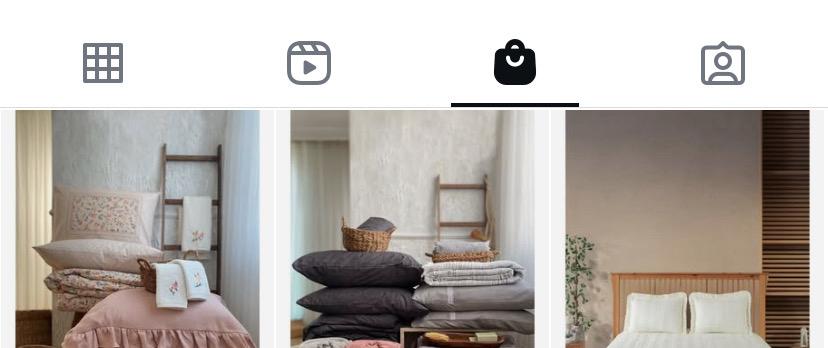
- Once approved for shopping, the "View Shop" button will be automatically added to your profile.
- You can also link your profile to your shop within your Instagram settings, under "Business tools and controls".