<ul id="myUL" class="1111">
        <li><a href="site linki" class="kudret-yazı">
          <img src="https://iconarchive.com/download/i66049/jommans/briefness/Search.ico" width="80" height="80" >
          <span style="display:block;">site</span>
          </a>
        </li>
.1111 {
display: grid;
margin: 0;
padding: 0;
list-style: none;
grid-template-rows: auto;
grid-column-gap: 10px;
grid-template-columns: 1fr 1fr 1fr 1fr 1fr;
margin: 0 20px;
margin-top: 20px;
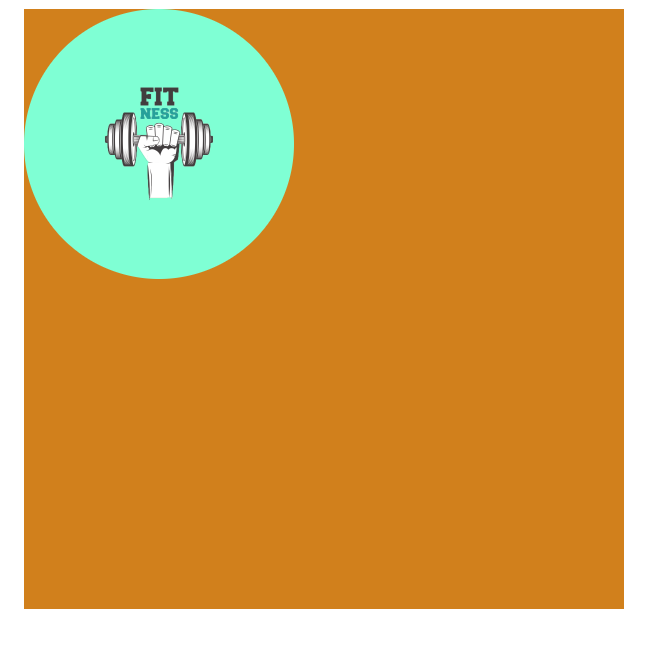
}bu png arkasına yuvarlak renkli kutu eklemek istiyorum .İstediğim rengi kolaycana değiştirebileceğim. ÖRNEK AŞAĞIDAKİ GİBİ
dediğim şekilde yaparsanız bu şekil görüntü elde edersiniz
<!DOCTYPE html>
<html lang="en">
<head>
    <meta charset="UTF-8">
    <meta http-equiv="X-UA-Compatible" content="IE=edge">
    <meta name="viewport" content="width=device-width, initial-scale=1.0">
    <link rel="stylesheet" href="style/style.css">
    <title>Document</title>
</head>
<body>
    <div class="genel">
        <div class="kutu">
            <img src="images/logofitnessbg4.png" alt="" width="50px" height="50px"
            style="margin-left: 20px;margin-top: 20px;">
        </div>


    </div>
</body>
</html>
body{
width: 1000px;
height: 1000px;
}
.genel
{
width: 200px;
height: 200px;
float: left;
background-color: rgb(209, 128, 28);
}
.kutu
{
width: 90px;
height: 90px;
background-color: aquamarine;
border-radius: 50px;
}