@Win;
@mselim;
@berkantipek;
@FurkanK;
@peganet;
KURULUM İŞLEMLERİ:
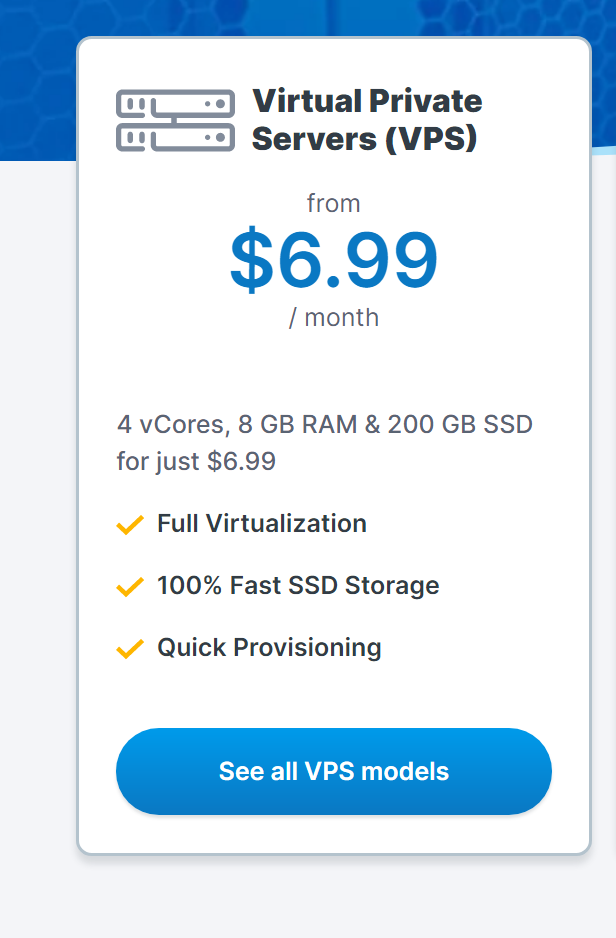
https://www.ovhcloud.com/en/vps/ -> Gir ve Bir VPS Satın al ve İşletim Sistemi Olarak Ubuntu'yu seç. (Ben Ubuntu 20 Seçtim.)

Satın alma işleminden sonra OvhCloud 'un e-mail adresine gönderdiği bilgiler ile sunucuya PuTTY programı üzerinden SSH Girişi yapın.
sudo su
sudo apt-get update
sudo apt-get install nginx
sudo unlink /etc/nginx/sites-enabled/default
cd /etc/nginx/sites-available/
vi reverse-proxy.conf
upstream backend  {
    server SUNUCU_IP_ADRESİ;
}
server {
    listen 80;
    location / {
    proxy_pass http://backend;
    proxy_set_header Host $host;
    proxy_set_header X-Real-IP $remote_addr;
    proxy_set_header X-Forwarded-For $proxy_add_x_forwarded_for;
    proxy_set_header X-Forwarded-Proto $scheme;
    }
}
Yukarıdaki dosyanın IP kısmını düzenle ve ESC Tuşuna Bas daha sonra :wq YAZ ENTER bas.KOMUTUNU GİR VE AŞAĞIDAKİ Ayarları yaz.
nano /etc/nginx/nginx.conf
user www-data;
worker_processes auto;
worker_rlimit_nofile 500000;

pid /run/nginx.pid;
include /etc/nginx/modules-enabled/*.conf;

events {
    worker_connections 1000000;
    multi_accept on;
}

http {

    ##
    # Basic Settings
    ##

       sendfile on;
    tcp_nopush on;
    types_hash_max_size 2048;
    server_tokens off;

    # server_names_hash_bucket_size 64;
    # server_name_in_redirect off;

    include /etc/nginx/mime.types;
    default_type application/octet-stream;


    client_max_body_size 1024M;
    variables_hash_max_size 56214;
    variables_hash_bucket_size 56214;

    send_timeout 600;
    fastcgi_buffers 8 16k;
    fastcgi_buffer_size 32k;
    fastcgi_connect_timeout 400;
    fastcgi_send_timeout 400;
    fastcgi_read_timeout 400;
    reset_timedout_connection on;
    client_body_timeout 12;
    keepalive_requests 100000;
    client_header_timeout 400;


    include uwsgi_params;

    uwsgi_read_timeout 1800;
    uwsgi_send_timeout 400;
    client_header_buffer_size 64k;


    ##
    # SSL Settings
    ##

    ssl_protocols TLSv1 TLSv1.1 TLSv1.2 TLSv1.3; # Dropping SSLv3, ref: POODLE
    ssl_prefer_server_ciphers on;

    ##
    # Logging Settings
    ##

    access_log off;
    error_log off;

    ##
    # Gzip Settings
    ##

    gzip on;
    gzip_disable "msie6";
    gzip_vary on;
    gzip_proxied any;
    gzip_comp_level 6;
    gzip_buffers 32 16k;
    gzip_http_version 1.1;
    gzip_min_length 1024;
    gzip_types image/jpeg image/bmp image/svg+xml text/plain text/css text/js application/json application/rss+xml application/javascript application/x-javascript text/xml application/xml application/xml+rss text/javascript image/x-icon;

    ##
    # Virtual Host Configs
    ##

    include /etc/nginx/conf.d/*.conf;
    include /etc/nginx/sites-enabled/*;
}


##
# Mail,FTP Configs
##
stream {
     server {
             listen 21;
             proxy_pass SUNUCU_IP:21;
     }
     server {
             listen 25;
             proxy_pass SUNUCU_IP:25;
     }
     server {
             listen 110;
             proxy_pass SUNUCU_IP:110;
     }
     server {
             listen 143;
             proxy_pass SUNUCU_IP :143;
     }
     server {
             listen 587;
             proxy_pass SUNUCU_IP :587;
     }
}
sudo ln -s /etc/nginx/sites-available/reverse-proxy.conf /etc/nginx/sites-enabled/reverse-proxy.conf service nginx configtest service nginx restartDaha sonra CloudFlare'ye girin OvhCloud VPS'nin IP adresini Cloudflareye yazın. İşlem bu kadar.