Açıklamadaki gibi tek safya website kapıda ödemeli sistemi nasıl yapabiliriz?
3
●102
- 26-08-2025, 19:33:51Müşterim http://ecaktar.com/ bu şekilde bir site istiyor sadece telefondan girenlere özel aşağıya kaydırmalı kapıda ödemeli bir sistem hangi altyapı kullanarak hızlıca yapabiliriz öneriniz nedir ?
- 26-08-2025, 19:39:46HTML, CSS, Boostrap site bile değil bu görsel ağırlıklı yaprak site tasarımı. 1 saatte filan yapılır görseller hazırsa.
- 26-08-2025, 19:46:52

<!DOCTYPE html>
<html lang="tr">
<head>
  <meta charset="UTF-8">
  <meta name="viewport" content="width=device-width, initial-scale=1.0">
  <title>fatihanily</title>
  <style>
    body {
      margin: 0;
      font-family: Arial, sans-serif;
      background: #f9f9f9;
      color: #333;
    }

    .image-box {
      width: 100%;
      max-width: 500px;
      margin: 15px auto;
      border-radius: 10px;
      overflow: hidden;
      box-shadow: 0 2px 6px rgba(0,0,0,0.1);
    }

    .image-box img {
      width: 100%;
      display: block;
    }

    form {
      max-width: 500px;
      margin: 30px auto;
      padding: 20px;
      background: #fff;
      border-radius: 10px;
      box-shadow: 0 2px 6px rgba(0,0,0,0.1);
    }

    form h2 {
      text-align: center;
      margin-bottom: 20px;
    }

    form input, form textarea, form button {
      width: 100%;
      padding: 10px;
      margin: 8px 0;
      border: 1px solid #ccc;
      border-radius: 6px;
      font-size: 14px;
    }

    form button {
      background: #007bff;
      color: white;
      border: none;
      cursor: pointer;
    }

    form button:hover {
      background: #0056b3;
    }
  </style>
</head>
<body>

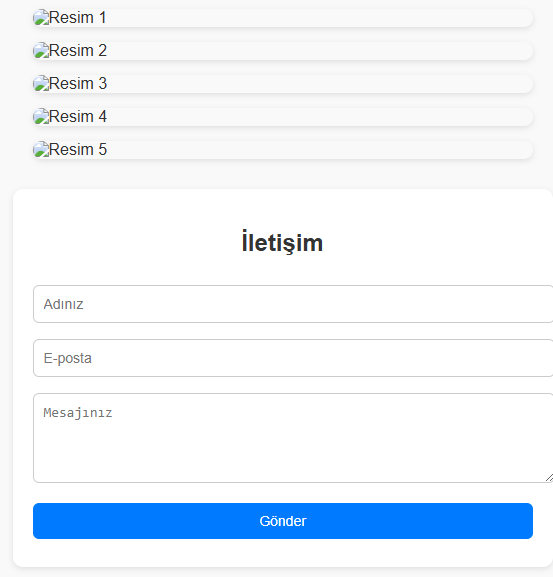
  <div class="image-box"><img src="resimlink1.jpg" alt="Resim 1"></div>
  <div class="image-box"><img src="resimlink2.jpg" alt="Resim 2"></div>
  <div class="image-box"><img src="resimlink3.jpg" alt="Resim 3"></div>
  <div class="image-box"><img src="resimlink4.jpg" alt="Resim 4"></div>
  <div class="image-box"><img src="resimlink5.jpg" alt="Resim 5"></div>

  <form>
    <h2>İletişim</h2>
    <input type="text" name="ad" placeholder="Adınız" required>
    <input type="email" name="email" placeholder="E-posta" required>
    <textarea name="mesaj" rows="4" placeholder="Mesajınız" required></textarea>
    <button type="submit">Gönder</button>
  </form>

</body>
</html>
mail tarafı eklenecek, örnek olması için paylaşıyorum.