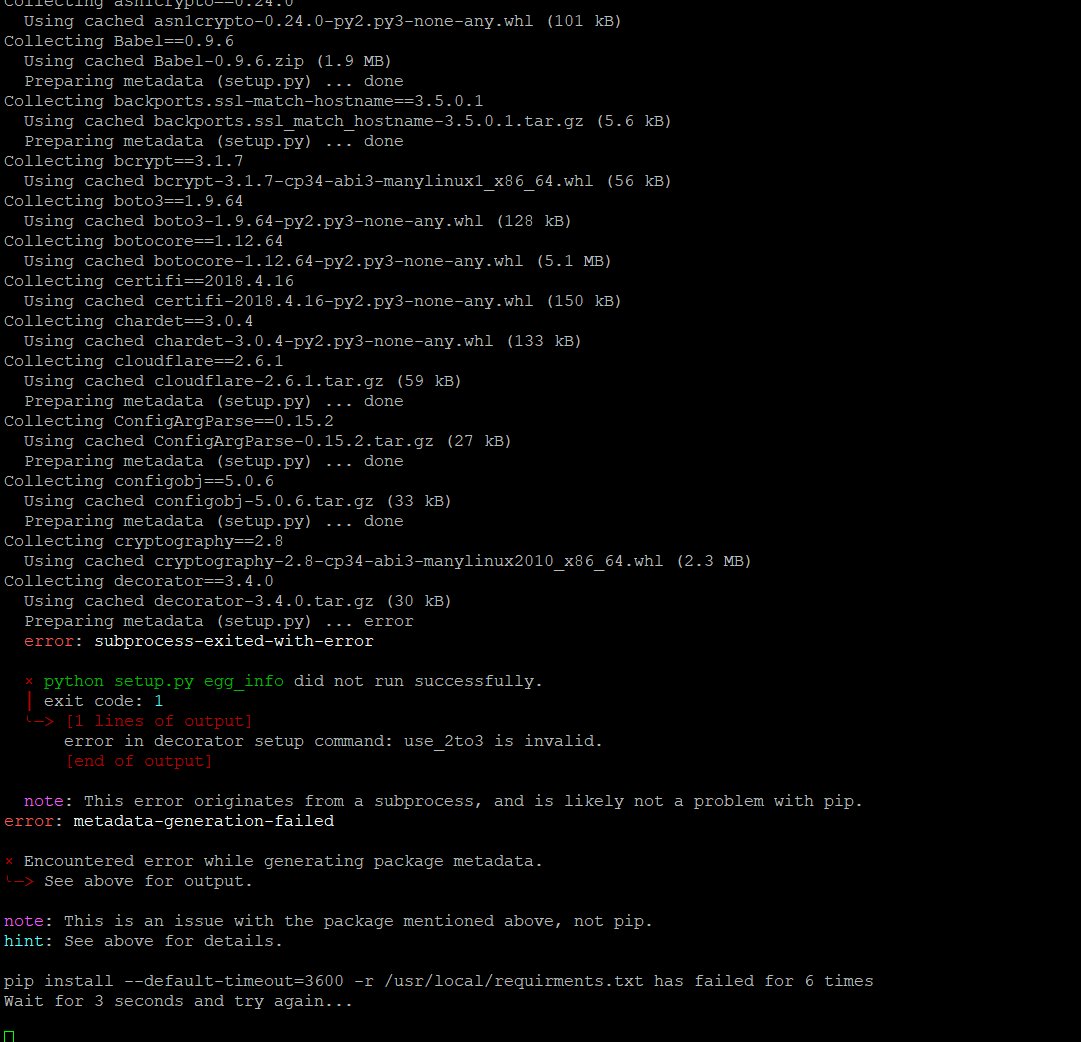
Preparing metadata (setup.py) error ERROR: Command errored out with exit status 1: command: /usr/local/CyberPanel/bin/python3 -c import io, os, sys, setuptools, tokenize; sys.argv[0] = ""/tmp/pip-install-73rpld6o/decorator_60df90c4769747e087b66afe9ecca405/setup.py'; file='/tmp/pip-install-73rpld6o/decorator_60df90c4769747e087b66afe9ecca405/setup.py';f = getattr(tokenize, "open, open)(file) if os.path.exists(file) else io.StringIO(from setuptools import setup; setup());code = f.read().replace("\r\n', ""\n');f.close();exec(compile(code, file, "exec")) egg_info --egg-base /tmp/pip-pip-egg-info-0ky_ld8i cwd: /tmp/pip-install-73rpld6o/decorator_60df90c4769747e087b66afe9ecca405/ Complete output (1 lines): error in decorator setup command: use_2to3 is invalid. WARNING: Discarding https://files.pythonhosted.org/packages/f3/26/876d492f2394f29401eb652ddfa53dec2bc8721861c7fe0dce1b5d0d2b6a/decorator-3.4.0.tar.gz#sha256=c20b404cbb7ee5cebd506688e0114e3cd76f5ce233805a51f36e1a7988d9d783 (from Links for decorator). Command errored out with exit status 1: python setup.py egg_info Check the logs for full command output. ERROR: Could not find a version that satisfies the requirement decorator==3.4.0 (from versions: 3.3.1, 3.3.2, 3.3.3, 3.4.0, 3.4.2, 4.0.0, 4.0.1, 4.0.2, 4.0.3, 4.0.4, 4.0.6, 4.0.8, 4.0.9, 4.0.10, 4.0.11, 4.1.0, 4.1.1, 4.1.2, 4.2.1, 4.3.0, 4.3.1, 4.3.2, 4.4.0, 4.4.1, 4.4.2, 5.0.3, 5.0.4, 5.0.5, 5.0.6, 5.0.7, 5.0.8, 5.0.9, 5.1.0, 5.1.1) ERROR: No matching distribution found for decorator==3.4.0 pip install --default-timeout=3600 -r /usr/local/requirments.txt has failed for 6 times Wait for 3 seconds and try again Collecting acme==0.21.1 Using cached acme-0.21.1-py2.py3-none-any.whl (68 kB) Collecting asgiref==3.2.3 Using cached asgiref-3.2.3-py2.py3-none-any.whl (18 kB) Collecting asn1crypto==0.24.0 Using cached asn1crypto-0.24.0-py2.py3-none-any.whl (101 kB) Collecting Babel==0.9.6 Using cached Babel-0.9.6.zip (1.9 MB) Preparing metadata (setup.py) done Collecting backports.ssl-match-hostname==3.5.0.1 Using cached backports.ssl_match_hostname-3.5.0.1.tar.gz (5.6 kB) Preparing metadata (setup.py) done Collecting bcrypt==3.1.7 Using cached bcrypt-3.1.7-cp34-abi3-manylinux1_x86_64.whl (56 kB) Collecting boto3==1.9.64

Bu sorunu nasıl aşabilirim