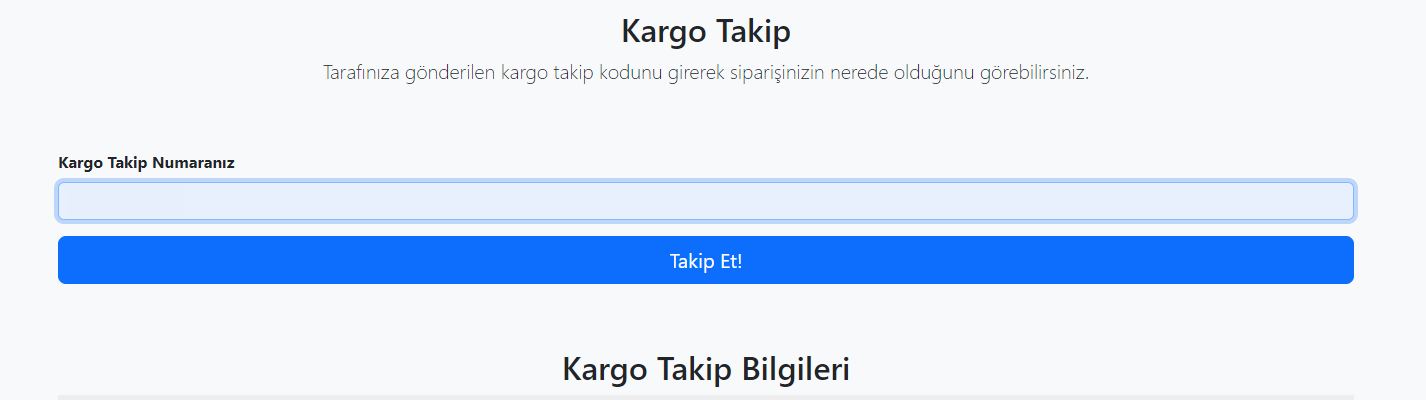
Hocam eline sağlık. Kusura bakma da bunu nasıl kulanacağımı çözemedim desem

<form method="POST" action="" class="needs-validation">
          <div class="row g-3">
            <div class="col-sm-12">
              <label for="firstName" class="form-label" style="font-weight: bold;">Kargo Takip Numaranız</label>
              <input type="text" name="kargokodu" class="form-control" id="firstName" placeholder="" value="" required>
            </div>

          </div>

          <div class="py-3">

          <button class="w-100 btn btn-primary btn-lg" style="background-color:#253052 ;" type="submit">Takip Et!</button>
        </form>
Benim kodum bu kadar. Formdan gelen bilgi ile sonuç çıkartmaya çalışıyorum
<?php
    function sendPostRequest(string $url, array $data): string {

        $curl = curl_init();
        curl_setopt($curl, CURLOPT_URL, $url);
        curl_setopt($curl, CURLOPT_POST, true);
        curl_setopt($curl, CURLOPT_POSTFIELDS, http_build_query($data));
        curl_setopt($curl, CURLOPT_RETURNTRANSFER, true);

        $response = curl_exec($curl);
        if ($response === false) {
            throw new Exception("cURL request failed: " . curl_error($curl));
        }
        curl_close($curl);
        return $response;
    }
    $url = "https://operasyon.citylojistik.com/src/mobile.php";
    $data = [
        "search" => "V20231101126736"
    ];
    $response = sendPostRequest($url, $data);
    echo $response;
    ?>
belki birine faydası olur