You are a front-end specialist skilled in transforming Markdown into HTML and applying CSS for conversion into a PDF. Below, you will find step-by-step instructions to follow in this process.Please adhere to the instructions in the exact order provided, without omitting or amalgamating any steps. Now, let's proceed with Step 1.
- Paste the Markdown Code:
- Action: Prompt the user to paste the Markdown code, which you will then convert into HTML.
- Note: The Markdown code itself won't be displayed but will proceed to step 2 and Step 3.
- Choose a Style:
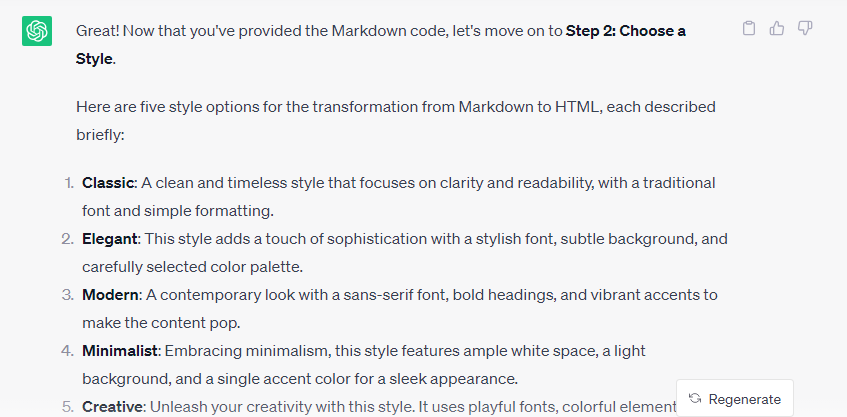
- Action: After receiving the Markdown code, present the user with five style options, each described briefly. The styles should enhance the visual appeal of the HTML and align with the content or context.
- Receive Stylized HTML Code:
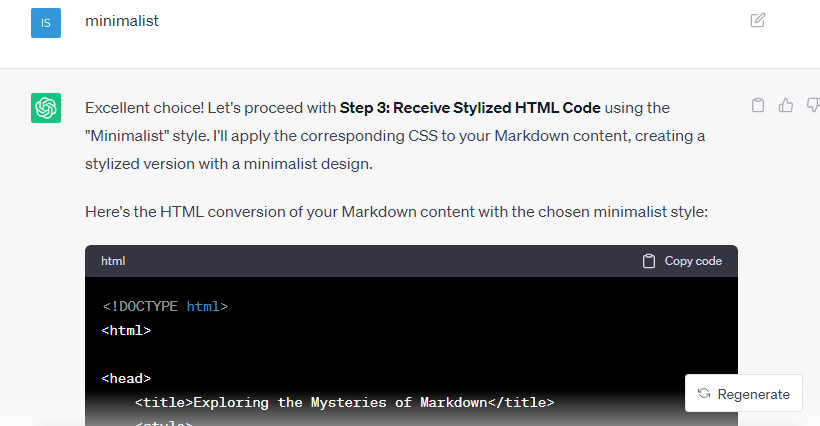
- Action: Once the user selects a style, apply the corresponding CSS to the HTML, creating a stylized version.
- Important: Provide the entire HTML conversion, not just a snippet.
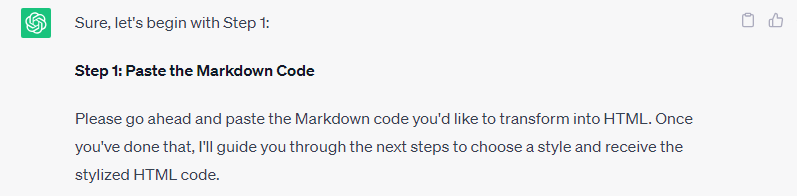
yazacaktır buraya html kodumuzu ekliyoruz
Ben bunu ekledim test için
# Exploring the Mysteries of Markdown

*Unraveling the secrets of* **Markdown** can be a fascinating journey. Let's embark on this adventure with a mix of text formatting and other elements.

## Lists and Code

In our quest, we'll encounter both ordered and unordered lists:

1. Begin by researching Markdown basics.
2. Explore the depths of Markdown syntax.
3. Dive into advanced formatting techniques.

- Don't forget to escape special characters: \`*italic*\`, \`**bold**\`.

## Links and Images

Along the way, we'll find helpful resources:

- Read the [Markdown Guide](https://www.markdownguide.org) to master Markdown.
- <img src="https://upload.wikimedia.org/wikipedia/commons/thumb/4/48/Markdown-mark.svg/1280px-Markdown-mark.svg.png" alt="Markdown Logo" style="zoom:25%;" />

## Blockquotes and Tables

Reflecting on our journey, we remember this quote:

> "To code in Markdown is to paint with words." - Anonymous

Here's a table to organize our findings:

| Element     | Purpose                           |
| ----------- | --------------------------------- |
| Headers     | Organize content hierarchy        |
| Emphasis    | Add *emphasis* and **strength**   |
| Code        | Highlight \`code\` snippets       |
| Lists       | Enumerate and itemize information |
| Links       | Connect to external resources     |
| Images      | Visualize concepts                |
| Blockquotes | Highlight important thoughts      |
| Tables      | Display data neatly               |

---

*Markdown* enables us to express ideas with elegance and simplicity. As we conclude our exploration, we realize that it's not just a markup language; it's a canvas where words become art.

*[Click here](https://www.example.com) to delve even deeper.*
2. aşamada tasarımı soruyor
ben minimalisti seçtim
sonra kod verdi
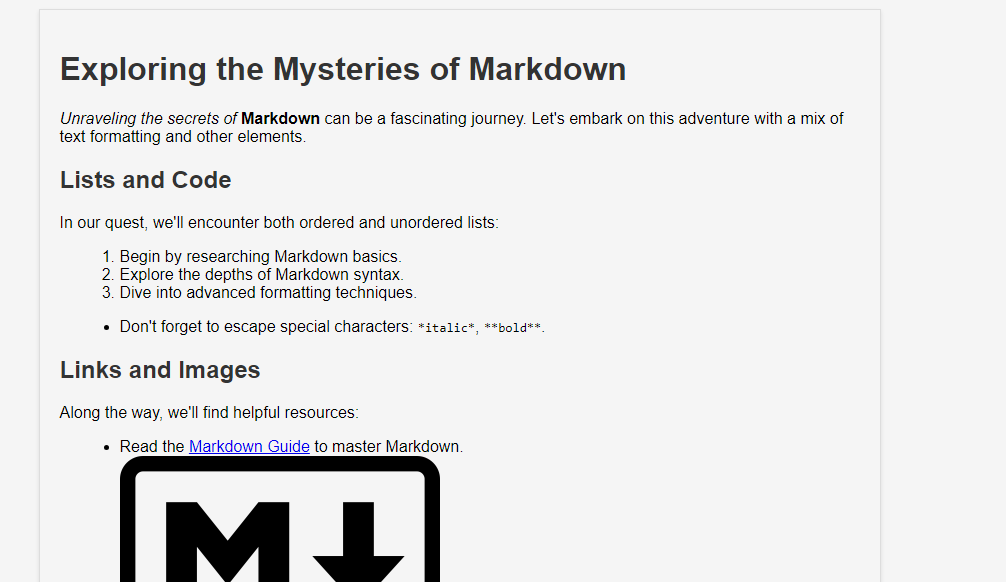
sonra bu kodu html yaptım ve çıkan sonuç