eHow Computers Computer Troubleshooting PC Support How to Reset the CMOS Battery on an Aspire 5920-6423
How to Reset the CMOS Battery on an Aspire 5920-6423
By Baptist Johnson
eHow Contributor
Pin Share Tweet Share
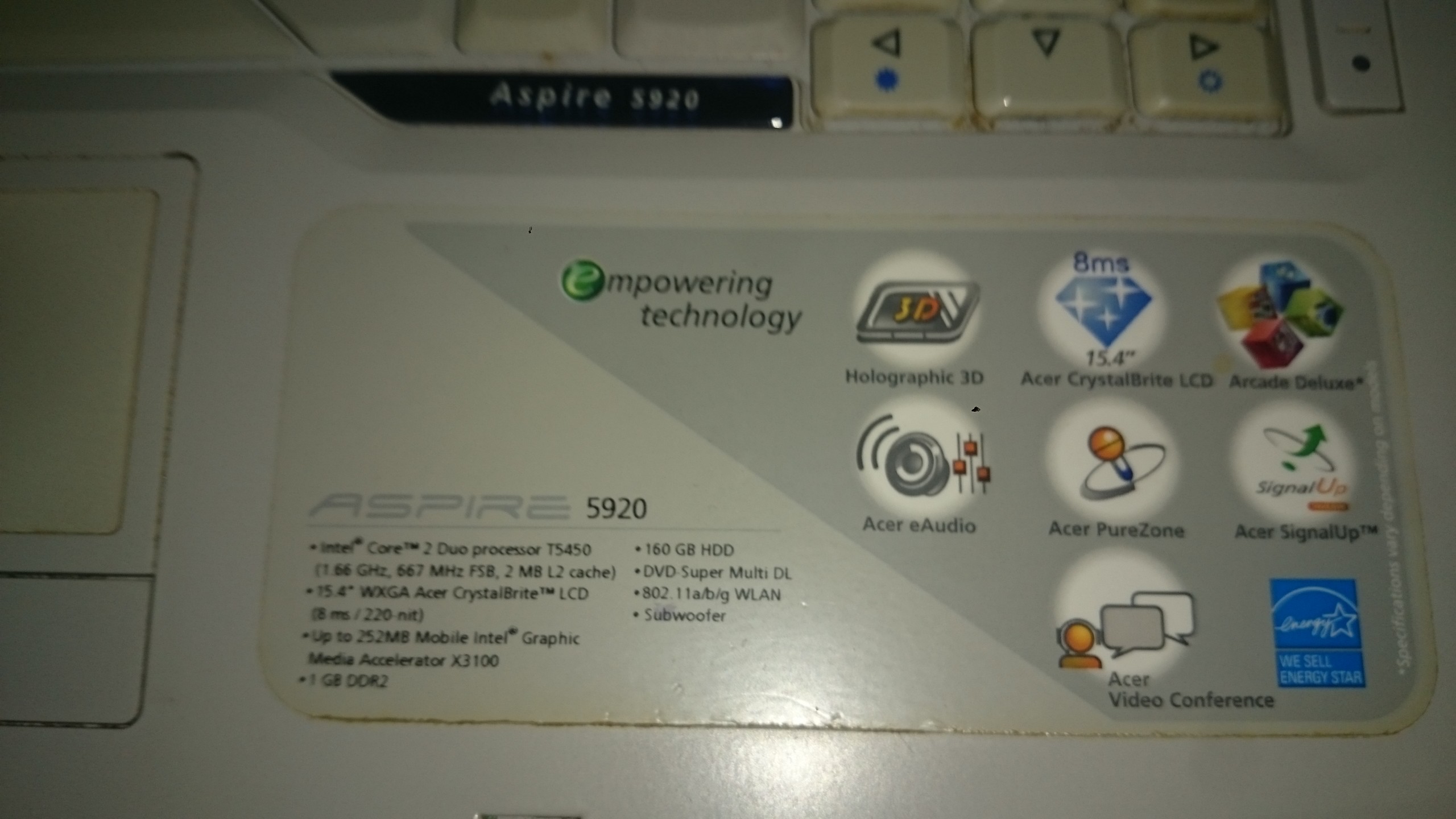
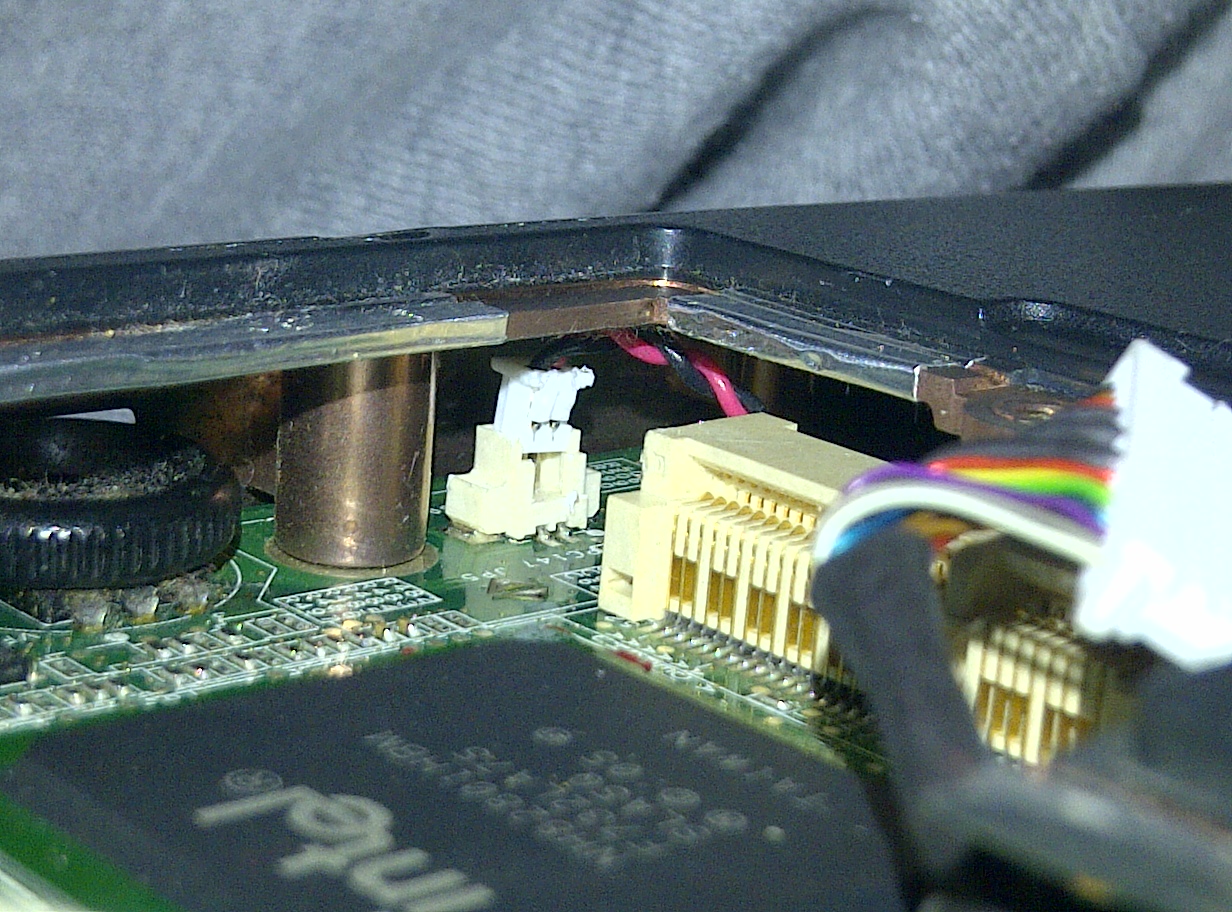
Reset the CMOS Battery on an Aspire 5920-6423
view of part of electronic image by Mirek Hejnicki from Fotolia.com
Fixing a broken computer, even an Aspire model, can be a real hassle. Usually you're stuck having to pay an outrageous sum of money for parts or the cost of a technician to make the repairs for you. However, sometimes a simple battery reset can fix your problem. Before you send your computer out for repair, it is a good idea to reset the CMOS battery. This may correct your PC's software or settings issues.
Other People Are Reading
Replacing the CMOS Battery in an Acer Aspire How to Check the CMOS Battery
Instructions
1
Restart your computer. As it is powering up, you will see text along the bottom screen saying "Press Delete to enter BIOS." Depending on your operating system, it may ask you to press one of your function keys, such as F3 or F4. Either way, press the required key as the computer is booting.
2
Wait until your BIOS settings come up on your screen. Direct your highlighted cursor to the last tab of your BIOS settings. It should read "Settings" or something similar.
3
Go down to the option "Restore Factory Settings." Once your highlighted cursor is above this option, hit "Enter."
4
Exit your BIOS. This is done differently depending on your operating system. Some systems will have an option that allows you to hit the "F10" key. Some systems will offer this in a separate tab that says "Save and Exit." As you are exiting, if you are prompted, save your work.
Sponsored Links
Read more :
http://www.ehow.com/how_6081048_rese...5920_6423.html